
Rehoming your pup
How do I rehome a dog?
PupMarks does not find a new home for a dog, so start with people who can: your vet, a local shelter or rescue, or the breeder. Be open with the new family about your pup’s health, habits and daily care. When your pup has a new family, PupMarks lets you pass on their diary.
Can PupMarks find a new home for my dog?
No. PupMarks does not list dogs or match them with families. It helps after your pup has a new family, by passing your pup and the diary parts you choose to the new owner’s PupMarks account.
What should I do before I rehome my dog?
Talk to your vet, a local shelter or rescue, or the breeder, and take the time you need. Tell the new family about your pup’s health, food, medicines, routines and quirks, so the move is gentle for everyone.
Some of this can travel in PupMarks. Care notes, grooming history and vaccination records can move with your pup if you choose them.
How do I pass my pup to a new family in PupMarks?
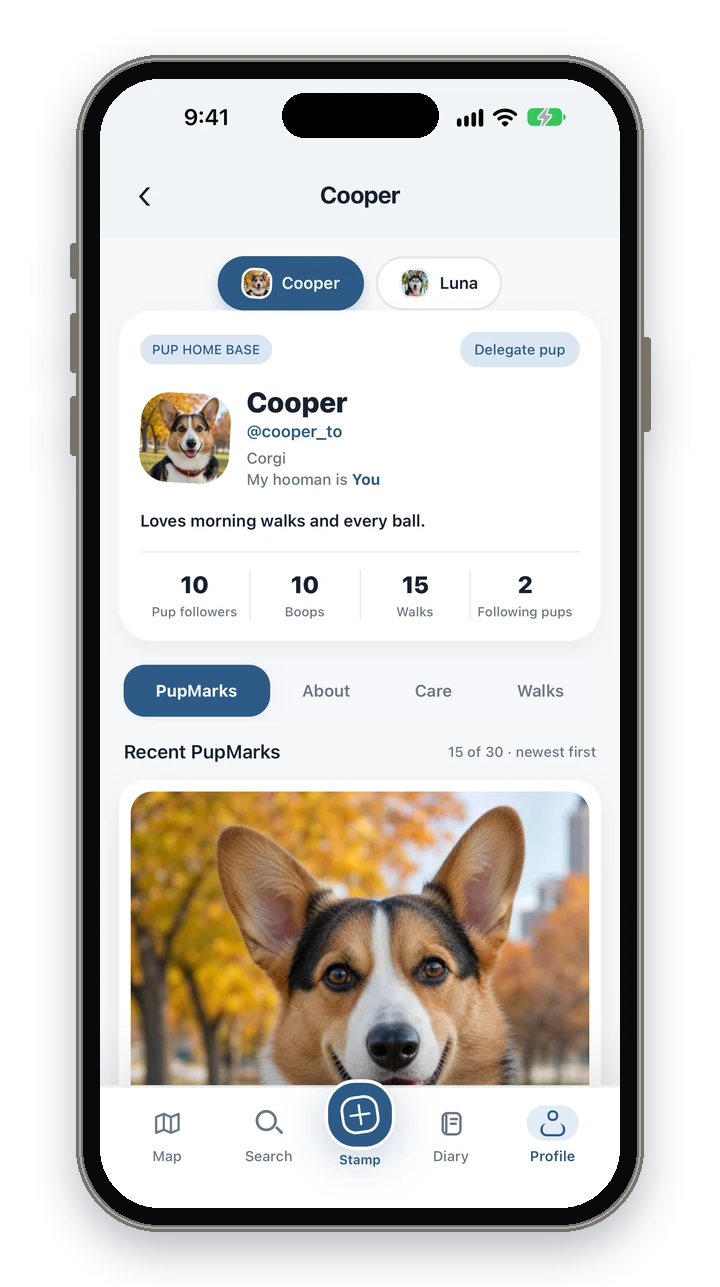
Open your pup’s profile, go to About and tap Rehome in the Manage section. Enter the new owner’s @username, choose what moves and send the invite.
- Ask the new owner for their PupMarks @username. They need a PupMarks account. Email works only if they allow email lookup.
- Open Profile and tap your pup.
- Open the About tab. In the Manage section, tap Rehome followed by your pup’s name.
- Type the new owner’s @username.
- Switch on what should move with your pup. Every switch starts off.
- Tap the Rehome button, check the review and tap Send invite.
If your pup is on a walk, finish it first. A pup cannot be moved in the middle of a walk.
Does the new family have to accept?
Yes. Nothing moves until the new owner accepts, and your pup stays with you until then.
The invite appears in the new owner’s Activity Feed, which opens from the bell at the top of the app, and PupMarks sends them a notification if their settings allow. They can tap Welcome home or Decline. If they decline, nothing changes for your pup.
Can I cancel a rehoming invite?
Yes, while it is still waiting. Open Rehome again, tap Cancel rehome invite and confirm.
Your pup stays in your account and the family can no longer accept that invite. After the new owner accepts, the hand-off is permanent.
What moves to the new family?
Your pup’s live profile moves to the new owner. You choose, one by one, whether parts of the diary history go with your pup.
- PupMarks and posts
- Solo walks: walks where your pup was the only pup
- Care notes and grooming
- Vaccinations
Anything you leave off stays with you. Your choices lock once the new owner accepts. A walker you shared your pup with loses access, and old share links to your pup stop working.
What do I keep after my pup moves?
You keep a read-only archive of your pup in Past Pups. It shows your pup as they were at the hand-off and cannot change their live profile.
Open Profile and tap Past Pups. The archive has your pup’s PupMarks, walks, care and profile details, with photos included for what you moved. It is private to your account.
Without PupMarks Plus, the archive shows the three months before the hand-off. The rest stays saved and shows with PupMarks Plus.
Is my pup’s diary private when it moves?
Your Past Pups archive is private to your account, and walks are always private. After the hand-off, the new owner controls the live profile and the history you moved.
Does the new owner need PupMarks Plus?
Maybe. If the new owner already has a pup, PupMarks may ask for PupMarks Plus before they can welcome another, and the invite waits until they can.
Does my pup still count as one of my pups?
No. Once your pup has moved, they no longer count toward your free pup. If you have no other living pup, you can add a new one for free. Another living pup still uses the free spot.
Can I rehome a pup who is in memorial?
No. A pup moved to memorial cannot be rehomed, and a pup with a waiting rehoming invite cannot be moved to memorial.
If you are remembering a pup who has passed away, read how to remember your dog in PupMarks. You can also read about pup profiles or the dog diary guide. If a second pup joins your home, see how a Pup Diary works for more than one dog.